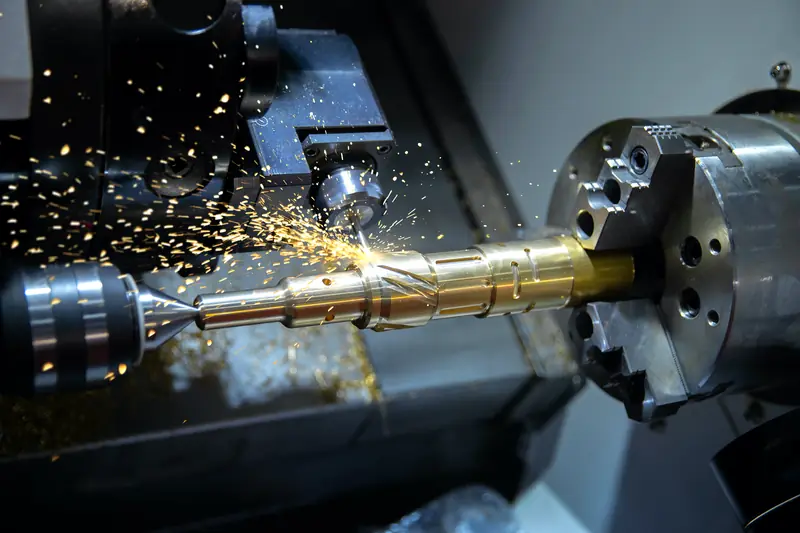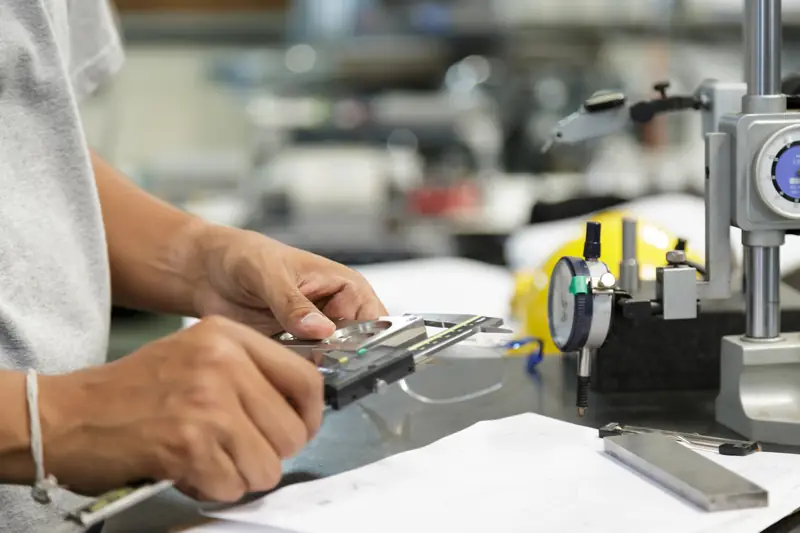
Sending the right file saves a round of questions. Each format carries something different, so a strong quote request combines two or three of them. Here is what each one is good for.
What each file type is good for
A PDF print is the document the shop works from. It carries the material, sizes, tolerances, threads and notes, and it is the version everyone can open. DXF and DWG files hold flat profiles and hole layouts in 2D. STEP and IGES files hold the 3D shape, which a CNC program is written from. JPG and PNG photos show the part, its wear and how it sits on the machine.
- PDF: the print, with the material, sizes and notes
- DXF or DWG: flat shapes and hole patterns
- STEP, STP, IGES or IGS: the full 3D model
- JPG or PNG: photos of the part or the machine
A good combination
If you have a 3D model, send a STEP file with the PDF print. The model shows the shape, and the print shows what the model cannot. For a repair, send photos of the damage and a PDF or sketch showing the sizes you know. A model is a bonus, not a requirement, because the shop works from specifications, drawings or samples. For a longer checklist, see what to put on a drawing.
Limits and larger files
The form accepts up to 5 files and 12 MB in total. A large model or a set of high-resolution photos may exceed that. In that case, email the files to [email protected] or call (775) 359-5570, Monday to Friday, 7:00 am to 3:30 pm. Then use the quote request for the details.
Sources
- ISO 10303 STEP file format (overview) (2026-10-18)
- Xometry knowledge base: file types (2026-10-18)
- Fictiv: preparing files (2026-10-18)